
Need For Beer
A downloadable prototype
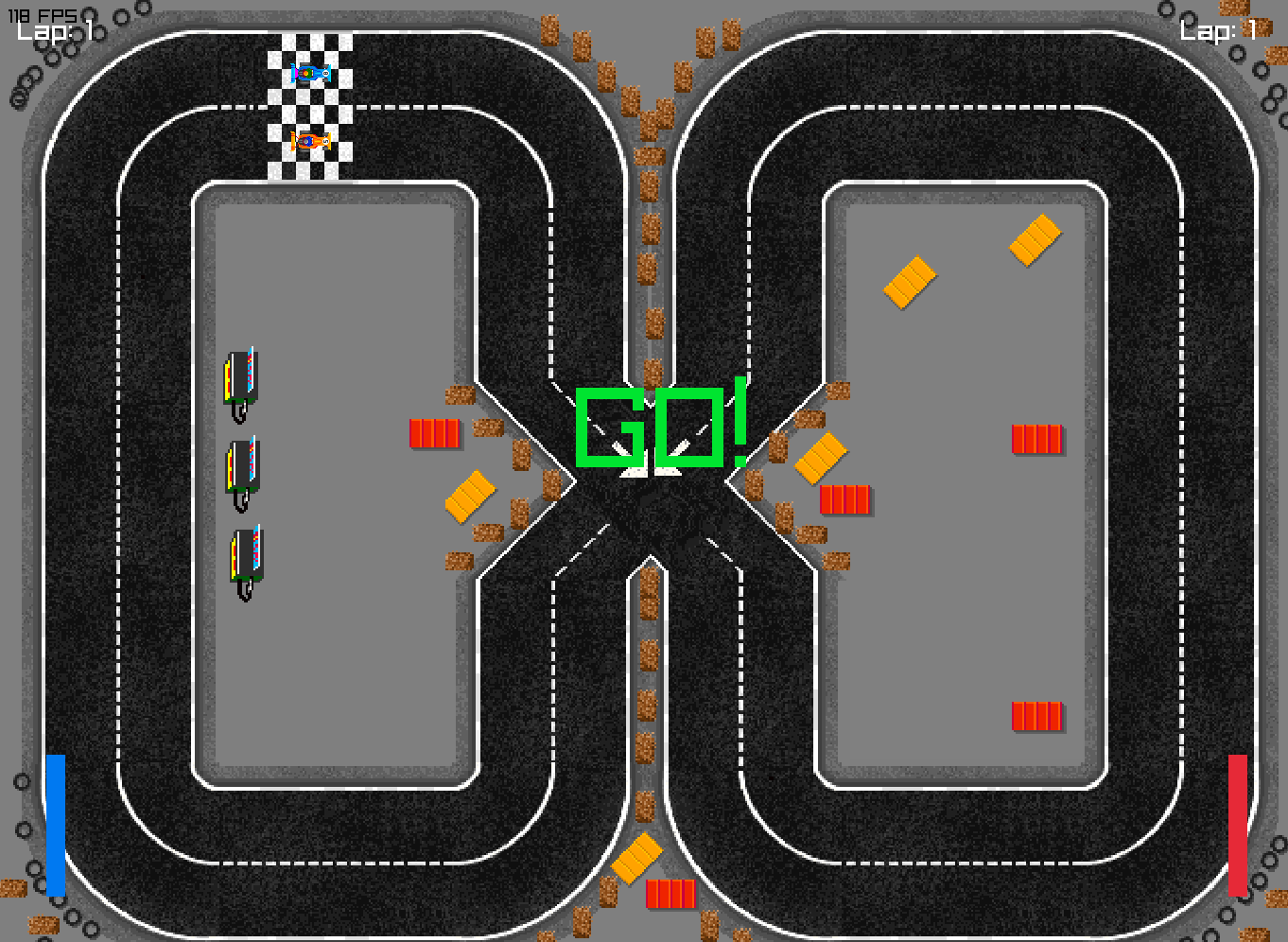
Need For Beer is a physics-driven racing game where control, chaos and momentum collide.
You’re not just driving… you’re wrestling with friction, weight, inertia and a world that refuses to play nice.
Designed as a collaborative learning project, the goal was to create a racing experience where the physics are the gameplay. Every crash matters. Every boost demands precision. Every curve becomes a fight between your reflexes and the laws of motion.
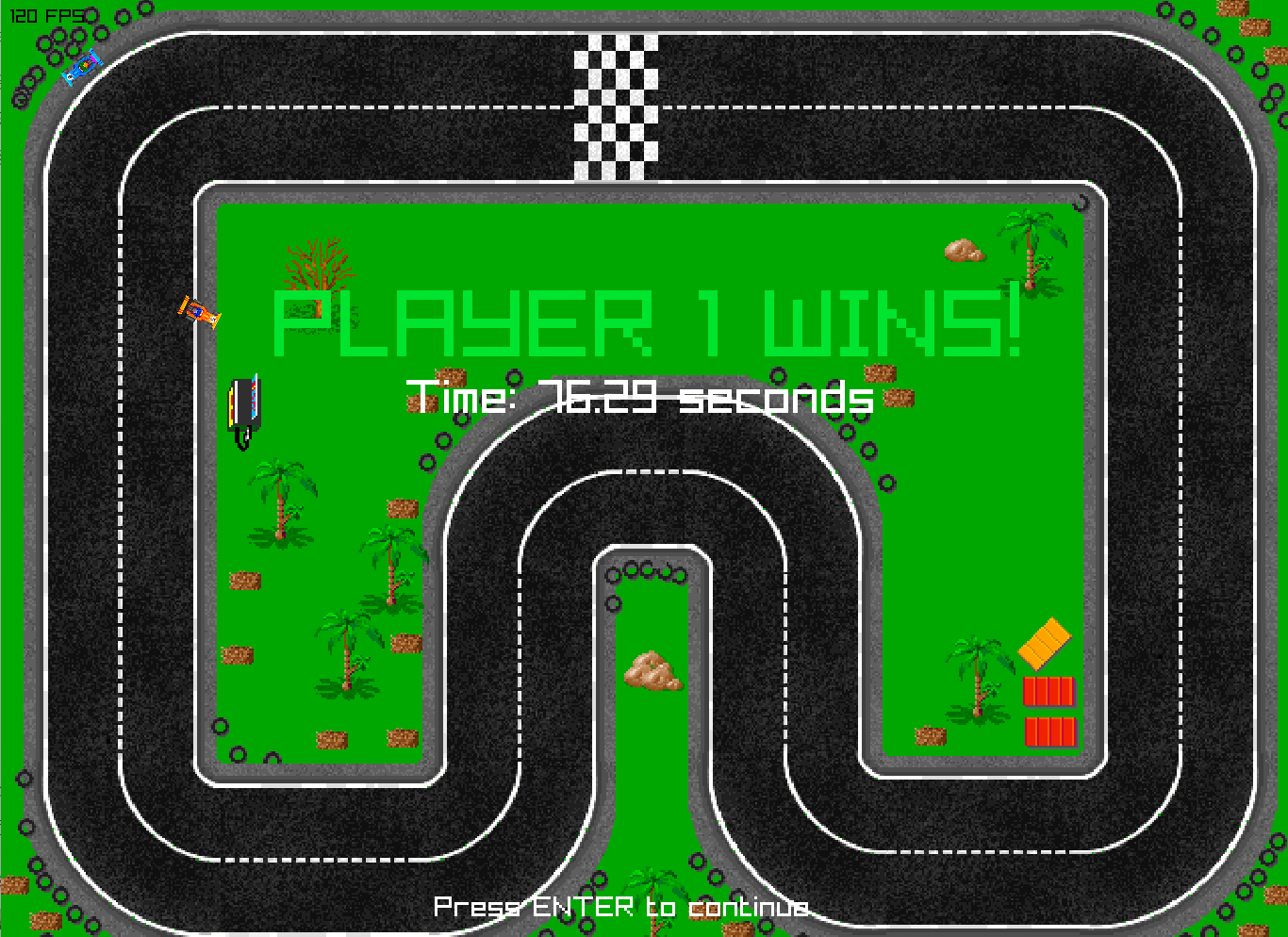
Race alone or challenge a friend in a 1–2 player, drifting through handcrafted circuits full of sharp turns, unstable corners and moments of pure unpredictability. Master the turbo system and manage your speed.
If you enjoy chaotic local multiplayer, physics-based movement and games that reward learning through play, this one’s for you.
Features
-
Fast, chaotic races built around physical forces
-
1–2 player local mode
-
Turbo system, advanced braking and responsive controls
-
Handcrafted circuits with tight turns
-
Complete physics simulation: friction, rebounds, forces and impacts
-
Custom UI
-
Developed collaboratively as a technical study project
Try it out
Try it, crash it, break it.
We built this project with curiosity, teamwork and more than a few chaotic test races.
If you give it a go, we’d genuinely love to hear your thoughts — your feedback helps us grow and sharpen our design instincts.
Credits
Javier Gomez: Programmer
Oscar Alonos: Programmer
David Subirats: Artist
Mario Torrents: Artist
Toni Llovera: Artist / Programmer
Download
Install instructions
Click the Download button on this page.
-
Download the .zip file for your platform.
-
Extract the full contents of the .zip into any folder.
-
Launch the game:
On Windows
NeedForBeer.exe<br>
On macOS or LinuxNeedForBeer.exe
Important:
Do not move files outside the folder. The game needs all included data to run properly.
Windows SmartScreen Warning
You may see a “Windows protected your PC” message when launching the game.
This is normal for unsigned indie builds.
To continue:
-
Click More info
-
Click Run anyway
Or:
-
Right-click the .exe
-
Properties → Check Unblock → Apply
The build is safe and contains no malware.

Leave a comment
Log in with itch.io to leave a comment.